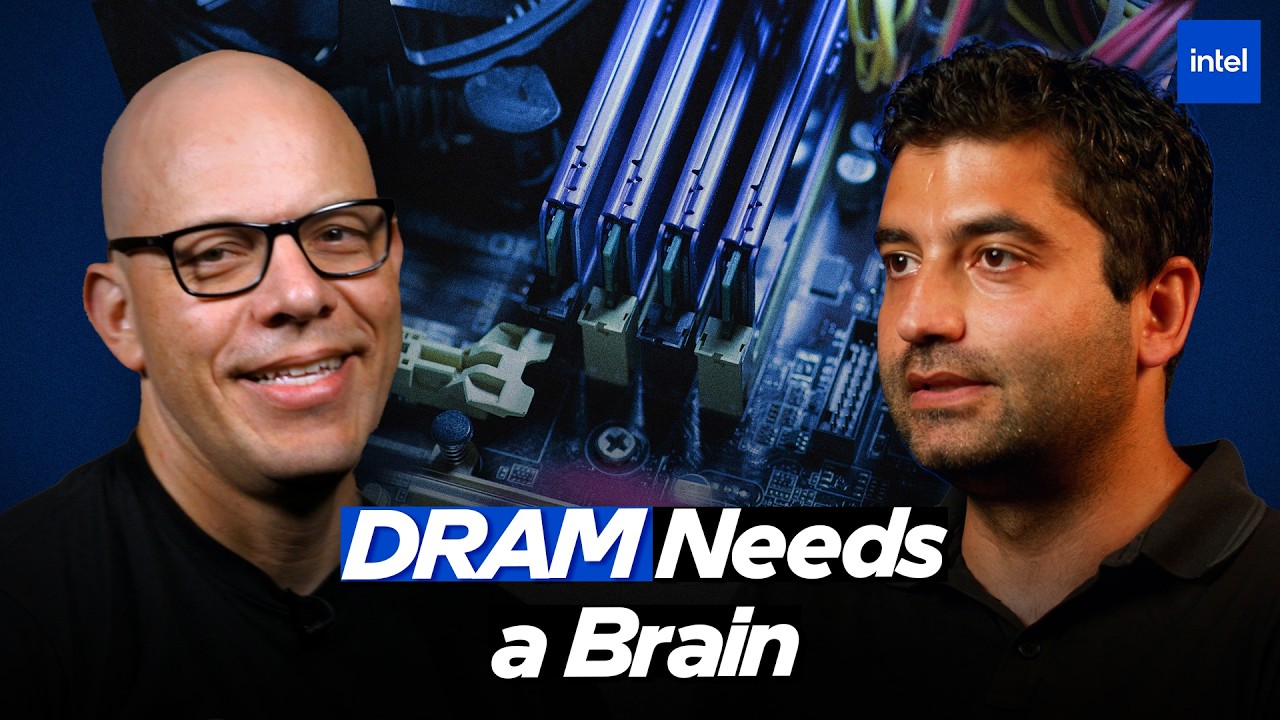
Intel Memory Controller Architecture: Managing DRAM Performance
ExtremeSpec is reader-supported: some links on this page are affiliate links, and as an Amazon Associate ExtremeSpec earns from qualifying purchases at no extra cost to you. Learn more.
Intel’s memory controller limits DRAM performance by operating below 8GHz or 9GHz frequencies to maintain power efficiency. While most users focus on the speed of the RAM sticks themselves, the real bottleneck is how the “clueless” DRAM is managed by the processor’s internal memory controller. PC hardware enthusiasts building high-end gaming rigs should act on this information, while casual smartphone users can skip it.
Who should act on the Memory Controller architecture and who should skip it
Readers who should act on the Memory Controller architecture
- PC hardware enthusiasts building high-end gaming rigs should study this to understand how Arrow Lake’s Memory Boost reduces gaming latency.
- System developers optimizing for AI workloads should review this to understand how the SoC fabric impacts memory bandwidth.
- Laptop hardware designers should analyze this to see how Lunar Lake uses on-package LPDDR5 for better power efficiency.
- Computer architecture students should study this to understand the functional split between the memory controller and the memory PHY.
lt
Readers who should skip the Memory Controller architecture
- Casual smartphone users should look at general guides on how to install RAM instead.
- Software-only developers should consult programming documentation for memory management instead.
What to do next about the Memory Controller architecture
- Verify the SoC fabric frequency to ensure it matches the bandwidth requirements of your specific DRAM configuration.
- Check for Arrow Lake Memory Boost support to confirm the Gear 2 frequency extension for lower gaming latency.
- Identify whether to use DDR5 or LPDDR5 on-package based on your specific power efficiency and signal integrity requirements.
The Intel memory controller acts as the logic center for DRAM requests
The DRAM controller acts as the logic center that receives read and write requests from compute agents and stores them in a queue. It maps these requests to specific channel banks or ranks and schedules them to maximize bandwidth while minimizing latency. This component also handles essential maintenance tasks like issuing refreshes, performing calibration, and monitoring DRAM temperature.
Memory is “clueless” because it requires the controller to tell it what to do at every step. The controller manages the complex timing required to interact with the physical DRAM hardware. Without this logic, the memory would be unable to organize data for the rest of the system.
Distinguishing the Controller from the Memory PHY
The memory controller handles the logic and scheduling, while the memory PHY serves as the physical interface that handles the electrical signals. The PHY includes the trans-receivers, calibration circuits, and the training engine required to communicate with different memory technologies. Because different memory types have different signaling requirements and channel widths, the PHY ensures the physical hardware is compatible with the controller’s logic.
What is a memory controller?
A memory controller is the hardware component inside a processor that manages the flow of data between the CPU and the system memory (DRAM). It handles the logic of where data is stored, when it is moved, and how to schedule requests to ensure the system runs efficiently.
What is a memory PHY?
The memory PHY is the physical layer of the memory subsystem that translates digital logic into electrical signals to communicate with DRAM. It handles the high-speed signaling, electrical training, and hardware-specific interfaces needed to support different types of memory modules.
Think of the memory controller as a warehouse manager who schedules every delivery, while the DRAM is simply a shelf of storage. The memory PHY is the loading dock that handles the actual movement of goods between the truck and the warehouse. If the loading dock isn’t built for a specific type of truck, the delivery fails regardless of how well the warehouse manager plans the route.
Additional memory channels increase bandwidth while introducing power and shoreline costs
Adding more memory channels increases bandwidth and capacity but introduces significant costs in power, complexity, and SoC shoreline. Shoreline refers to the physical edge of the processor die, where pins must be routed to connect the SoC to the memory modules. Every additional channel requires its own command and data buses, which consumes valuable space on the chip and increases the final product cost.
Intel chooses the number of channels based on the specific product segment to balance these needs. High-end desktop segments may receive more channels to support high-bandwidth workloads, while mobile segments may prioritize power efficiency and lower cost. This means that more channels do not always equal better performance for every user; the choice depends on the specific needs of the device’s target market.
Gearing and the Frequency Barrier
Gearing refers to the ratio between the DRAM data rate and the memory controller’s operating frequency. Because the memory controller cannot physically reach 8GHz or 9GHz frequencies, it must run at a lower speed while the DRAM provides high bandwidth. Gear 1 runs the controller at the same frequency as the DRAM, while Gear 2 and Gear 4 allow the controller to run at a smaller, slower frequency to improve power efficiency.
This gearing mechanism allows the system to bypass the physical limits of silicon. By using a 1:2 ratio in Gear 2, the controller can manage high-speed DDR5 data without exceeding its own electrical limits. This design choice is what allows modern systems to achieve high memory bandwidth without the processor overheating or failing to maintain signal integrity.
- Gear 1
- The memory controller runs at the same frequency as the DRAM data rate.
- Gear 2
- The memory controller runs at a smaller, slower frequency to improve power efficiency while maintaining high DRAM bandwidth.
- Gear 4
- The memory controller runs at an even lower frequency, providing further power savings at the cost of increased latency.
Arrow Lake and the Evolution of Memory Boost
Arrow Lake introduces Memory Boost, a feature that extends the frequency range that Gear 2 supports for DDR5. By pushing Gear 2 to a higher frequency, the system can achieve shorter latency for workloads that are sensitive to timing, such as gaming. This specifically targets the performance bottlenecks that occur when the memory controller is forced to run too slowly to stay within its power limits.
The Intel 200S Boost directly addresses these gaming latency issues by optimizing the Gear 2 path. Because the controller is the primary manager of data flow, increasing its operating frequency in this specific mode directly speeds up the time it takes to retrieve data. This improvement is only possible because of the architectural evolution from previous generations like Tiger Lake and Alder Lake.
Memory performance depends on the SoC fabric keeping pace with the memory subsystem
Memory performance depends on the entire SoC fabric keeping pace with the memory subsystem’s speed. Even if the memory controller is fast, the internal interconnects that move data to the cores or integrated graphics must also be sufficiently fast. Increasing the die-to-die frequency—the speed at which different chiplets communicate—is necessary to realize the full bandwidth of high-speed DDR5.
The SoC fabric determines the data path to all other components on the chip. If the fabric remains slow, the extra bandwidth provided by the memory controller remains trapped at the edge of the memory subsystem. Therefore, memory speed is not just about the RAM; it is a coordinated effort across the entire processor’s internal architecture.
Security and Reliability: Mitigating Rowhammer
The memory controller implements hardware-level mitigation techniques to address Rowhammer, a security issue caused by capacitor leakage in DRAM. Rowhammer occurs when frequently activated DRAM rows cause bit flips in adjacent rows, potentially compromising data integrity. The controller monitors and manages these rows to prevent the leakage from causing errors or security breaches.
Data encryption is another critical security feature handled at the controller level. Because DRAM is physically separate from the SoC, it is vulnerable to certain types of physical attacks. The controller ensures that data is encrypted before it leaves the processor, protecting it while it resides in the external memory modules.
The cost of being wrong on a processor without Memory Boost is higher gaming latency compared to the Arrow Lake platform. However, this holds while the current design limits the controller to lower frequencies; if silicon manufacturing allows for a 9GHz controller, the need for complex gearing would diminish. If you already own standard DDR5 memory, this information explains why your system’s speed is limited by the controller, not just the RAM sticks.
What Intel has not yet confirmed regarding the Arrow Lake platform and memory channels
- Intel has not announced the specific SoC fabric frequency for the Arrow Lake platform.
- Intel has not confirmed the exact cost increase associated with adding additional memory channels to the SoC shoreline.
A System Builder’s Decision for High-Refresh Gaming
Suppose Marcus is building a high-refresh-rate gaming PC and is deciding between a standard DDR5 setup and an Arrow Lake system. Marcus knows that gaming is latency-sensitive, so he looks for a processor that can handle high frequencies in Gear 2. He identifies that Arrow Lake supports Memory Boost, which allows the memory controller to run at a higher frequency specifically for DDR5. He also confirms that the SoC fabric and die-to-die frequencies are optimized to prevent bottlenecks.
Marcus selects the Arrow Lake platform, achieving lower gaming latency due to the optimized Gear 2 frequency. If Marcus had chosen a standard processor without Memory Boost, he would still have the same RAM speed, but he would experience higher latency because the controller would be restricted to a lower Gear 2 frequency.
Frequently Asked Questions
Why is my memory speed limited even though I have high-speed RAM sticks?
Your memory speed is limited when the memory controller or the SoC fabric cannot keep pace with the DRAM’s data rate. The controller must operate within certain physical frequency limits, meaning the system must use gearing to balance speed with power and stability.
What is the difference between a memory controller and a memory PHY?
The memory controller handles the logic, scheduling, and data mapping, while the memory PHY handles the physical electrical interfaces and signals. The controller is the “brain” that decides what to do, while the PHY is the physical hardware that executes those commands over the wires.
How does the memory controller improve gaming performance?
The memory controller improves gaming performance by using features like Memory Boost to increase the operating frequency of the Gear 2 state. This reduction in latency allows the CPU to access necessary data faster during frame-critical operations.
What is Rowhammer and how does the memory controller fix it?
Rowhammer is a security issue where capacitor leakage in DRAM rows causes bit flips in adjacent rows. The memory controller fixes this by implementing hardware-level mitigation techniques that monitor and manage DRAM row access to prevent these bit flips from occurring.
Why don’t all processors have the maximum number of memory channels?
Processors do not have the maximum number of memory channels because adding channels increases cost, power, and the physical shoreline space required on the SoC. Engineers must balance the need for higher bandwidth against the physical and economic limitations of the chip’s design.
Why is Lunar Lake using on-package memory?
Lunar Lake uses on-package LPDDR5 memory to achieve better power efficiency and signal integrity by tightly integrating the memory. This design reduces the need for complex routing and allows for a more power-efficient memory subsystem in mobile devices.
DDR5 vs LPDDR5 performance: which is better for mobile?
DDR5 and LPDDR5 performance differ based on whether the memory is located in slots or integrated on the package. LPDDR5 on-package, like that in Lunar Lake, is optimized for high-bandwidth, low-power mobile applications where signal integrity is a priority.
Why does my CPU need ‘gearing’ for my memory?
Your CPU needs gearing because the memory controller cannot physically run at the very high frequencies (8GHz-9GHz) that modern DRAM requires. Gearing allows the system to maintain high DRAM bandwidth while the controller operates at a lower, more efficient frequency.
Details first shown in Why Your Memory Controller is Essential | Inside the Memory Stack | Intel Technology by Intel Technology.