
How to Optimize Memory Overclocking for Gaming and Content Creation
ExtremeSpec is reader-supported: some links on this page are affiliate links, and as an Amazon Associate ExtremeSpec earns from qualifying purchases at no extra cost to you. Learn more.
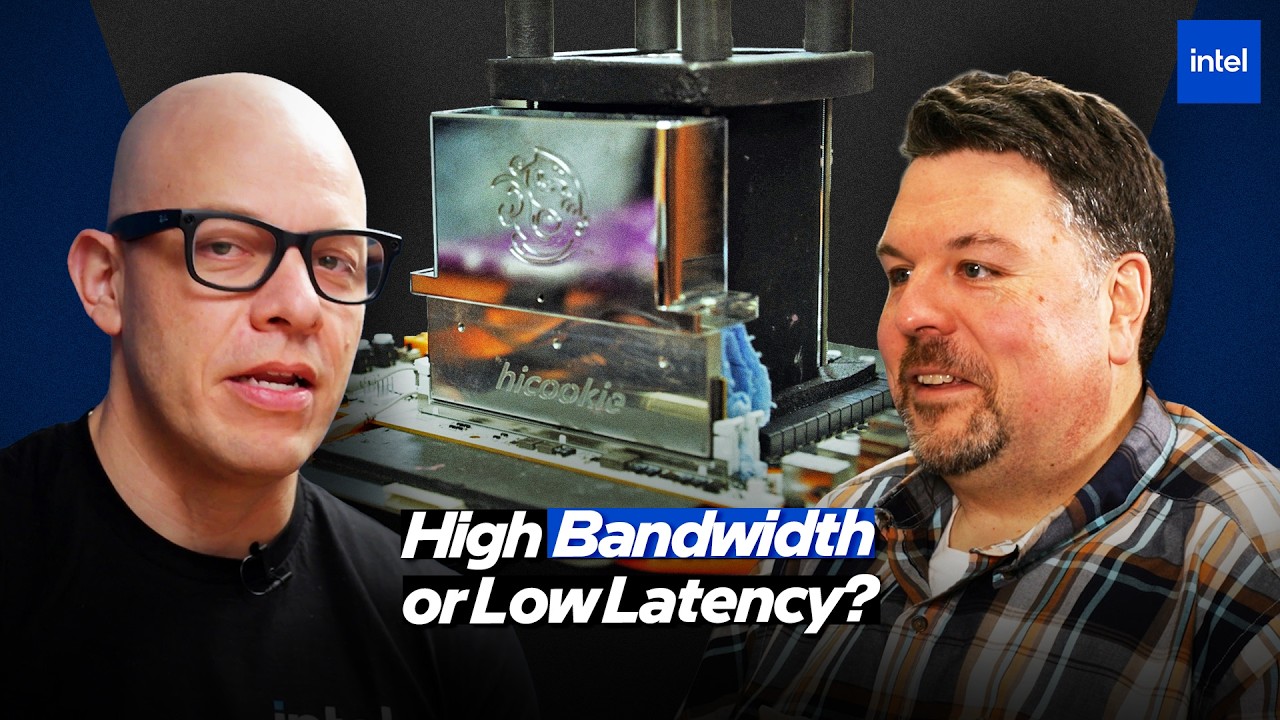
Dan Ragland, Intel Chief Overclocking Architect, argues that memory overclocking allows users to optimize for specific workloads by balancing bandwidth and latency, with the current goal of reaching stable retail speeds like 9,200 MT/s. While many enthusiasts chase the highest megatransfers per second, the real performance gain often lies in balancing the “gearing” of the memory subsystem to match specific use cases like gaming or content creation. Gamers should follow these tips to prioritize low latency, while content creators should focus on high bandwidth.
Who should buy memory for overclocking and who should skip it
Readers who should buy memory for overclocking
- PC gamers looking for higher frame rates should prioritize modules that support low latency and Gear 2 configurations.
- Video editors and 3D artists should focus on high-frequency kits that maximize bandwidth for data-heavy tasks.
- PC builders with multi-tile CPUs should look for features that allow overclocking the die-to-die interface and hub die fabric.
- Extreme overclocking hobbyists should use liquid nitrogen (LN2) records to understand the limits of signal integrity for future retail products.
Readers who should skip memory overclocking
- Users seeking mobile phone or tablet advice should look at mobile hardware guides instead.
- Users looking for software-only optimization should look at software optimization guides instead.
What to do next about memory overclocking
- Verify the XMP status of your chosen memory kit to confirm it is either XMP Ready or XMP Certified.
- Select a memory kit based on voltage for longevity by choosing the module that operates at the lowest voltage for your target frequency.
- Run multiple stress tests to verify stability using tools like OCCT or Sandra.
- Confirm airflow is directed over the memory modules from your chassis fans to manage thermals.
Memory performance depends on the relationship between bandwidth in MT/s and latency
Memory performance depends on the relationship between bandwidth—the speed at which data moves in MT/s—and latency, which is the response time of the RAM. Intel CPUs rely on the memory controller to supply instructions and data to the processor as quickly as possible. If the processor waits for data, the system slows down. RAM overclocking ensures there is no wait.
The Motherboard determines the trace layout and BIOS limits that define the overclocking ceiling for the system. The Intel CPU architecture determines the fundamental memory limits based on its integrated memory controller. How can a gamer achieve the best results without sacrificing stability? The answer lies in balancing these two metrics rather than maximizing one at the expense of the other.
Optimizing Memory for Specific Workloads
Gaming performance relies primarily on low latency, which is the speed at which the memory responds to a request. Content creation and emerging AI workloads prioritize bandwidth, which is the total volume of data moved per second. High-speed memory allows large video files or photos to stay in RAM rather than being fetched from slower storage.
| Workload | Primary Metric | Recommended Strategy |
|---|---|---|
| Gaming | Low Latency | High speed with Gear 2 |
| Content Creation | High Bandwidth | Higher speeds (Gear 4 is acceptable) |
| AI Workloads | High Bandwidth | Higher speeds (Gear 4 is acceptable) |
Memory gearing is the ratio of the memory subsystem speed versus DRAM
Gearing refers to the ratio of the speed of the memory subsystem versus the DRAM. Gear 2 means the DRAM runs at twice the speed of the memory subsystem. Gear 4 means the DRAM runs four times faster than the memory subsystem.
Gamers should switch to Gear 2 to achieve lower latency for faster response times. Content creators can utilize Gear 4 to achieve the higher bandwidth necessary for moving large files.
Key terms for Intel XMP, XMP Ready, and XMP Certified
Intel XMP (Extreme Memory Profile) standardizes profiles to make memory overclocking easy for most users. XMP Ready means the vendor has attested to following Intel’s specifications and has performed their own testing. XMP Certified means the vendor has followed the specific Intel test plan and is subject to official audits by Intel.
What is Intel XMP?
Intel XMP is a technology that stores pre-tested overclocking profiles in the memory module’s hardware. It allows users to reach higher frequencies and timings by applying a manufacturer-validated profile in the BIOS. This removes the need for complex manual memory timing optimization for most users.
- XMP Ready
- Vendor-attested adherence to Intel XMP specifications using the vendor’s own testing protocols.
- XMP Certified
- Adherence to the specific Intel test plan with the added layer of official Intel audits for stability.
XMP Certified modules offer a higher level of confidence in stability for the end user. However, XMP Ready modules are often available in higher volumes for new product launches. Users should look for the XMP logo first, then check for the specific certification indicator.
How Extreme Overclocking Drives Mainstream Innovation
Extreme overclocking using liquid nitrogen (LN2) serves as a laboratory for future retail technology. Dan Ragland notes that today’s liquid nitrogen records often become tomorrow’s retail XMP profiles. The current world record for memory overclocking is north of 13,500 MT/s. This record is 4,300 MT/s higher than the 9,200 MT/s retail XMP speed currently available on Arrow Lake.
Extreme records allow engineers to prove what is possible for signal integrity and memory controller capability. This validation allows for the tuning of memory reference code that eventually reaches the consumer market. It is a trickle-down effect from the extreme to the everyday. Formula One technology often works this way.
Thermal Management via Airflow and Cooling
Airflow must be directed over the DIMMs to ensure memory stays within safe thermal limits during sustained loads. Heat spreaders dissipate heat from the modules to help keep temperatures within safe limits. For extreme overclocking, users may need active cooling, such as fans that snap directly onto the memory modules.
Good airflow prevents memory from overheating during heavy workloads. Users should check their chassis fan configuration to ensure it covers the RAM slots.
The Voltage Rule for Longevity
The DDR5 DIMM is the physical hardware being overclocked and must be compatible with the motherboard and CPU. The primary rule for longevity is to find the lowest stable voltage for a given frequency. Lower voltages reduce electrical stress and heat, extending the life of the DRAM.
OCCT is a reliable tool used to verify that an overclock is stable across different workloads. Choosing a kit that operates at a lower voltage for a given frequency is technically superior to a high-voltage kit. The lower voltage wins for long-term reliability.
Achieving 24/7 Stability in Memory Overclocking
Stability testing requires checking the memory across the entire temperature curve, from cold to warm. BIOS/UEFI is the interface where users configure these memory timings and voltages. Sandra is an industry-standard tool used for validating memory stability.
Stability curves ensure the overclock remains consistent regardless of thermal changes. Use multiple stress tests to verify your results.
Multi-tile CPU architecture creates multiple physical pathways that must be synchronized
Multi-tile CPU architecture creates multiple physical pathways that must be synchronized for optimal performance. The hub die contains the memory controllers, while the compute die handles the primary processing. A die-to-die interface connects these two areas.
What is a Hub Die?
A hub die is a specific portion of a multi-tile CPU that houses the memory controller and other shared resources. It acts as a central hub for data traveling between the memory and the processing cores. Efficient communication between the hub die and compute die is essential for high-speed memory performance.
Overclocking the die-to-die interface allows for faster communication between these tiles. The fabric inside the hub die can also be overclocked to match the speed of the memory. This ensures that the entire path between the memory and the processor has the same speed limit. Think of it as removing speed limits from a highway system.
For multi-tile CPUs, synchronizing these internal pathways is the secret to unlocking high-frequency memory. This is a significant opportunity for modern systems.
Memory Overclocking leaves these details unconfirmed
- Intel has not announced the specific release dates for next-generation XMP profiles.
A Gamer’s Guide to Stable 8000 MT/s RAM
Suppose a gamer named Sarah wants to run her RAM at 8,000 MT/s for a high-performance gaming rig. Sarah looks for a module with an XMP Certified logo to ensure it passed Intel’s audits. She chooses the kit that offers the lowest voltage for 8,000 MT/s to ensure hardware longevity. She ensures her chassis fans provide direct airflow over the DIMMs and runs OCCT to verify stability.
Sarah achieves a stable, long-lasting overclock that prioritizes the low latency required for her games. If Sarah had chosen a high-voltage kit over a lower-voltage one, her RAM might run at 8,000 MT/s but would have a shorter lifespan due to increased electrical stress and heat.
Frequently Asked Questions
What is the difference between XMP Ready and XMP Certified memory?
XMP Ready means the vendor has followed the Intel XMP specifications and performed their own internal testing. XMP Certified modules are subject to official Intel audits to ensure they meet a specific test plan.
How can I keep my memory cool during an overclock?
Keeping memory cool involves ensuring there is sufficient airflow over the DIMMs from your chassis fans. You can also use heat spreaders or even active cooling fans that snap onto the memory modules to manage thermals.
What is the current world record for memory overclocking?
The current world record for memory overclocking is north of 13,500 megatransfers per second (MT/s) using liquid nitrogen. This record is used to validate the signal integrity for future retail products.
How do I know if my memory is good for gaming?
Gaming performance is primarily determined by low latency rather than just high bandwidth. You should look for a memory kit that provides a high frequency with the lowest possible latency in Gear 2.
Reported from Memory Overclocking 101: Speed, Stability, XMP & Beyond | Inside the Memory Stack | Intel Technology, published by Intel Technology.