
Remote monitoring for APC 1500VA Smart UPS SMC1500-2UC enables users to track power conditions and receive alerts from any location with network access. This capability helps prevent data loss and equipment damage by providing early warning of power issues, battery problems, and system faults. The APC 1500VA Smart UPS SMC1500-2UC for remote monitoring requires compatible software and proper network configuration to function effectively.
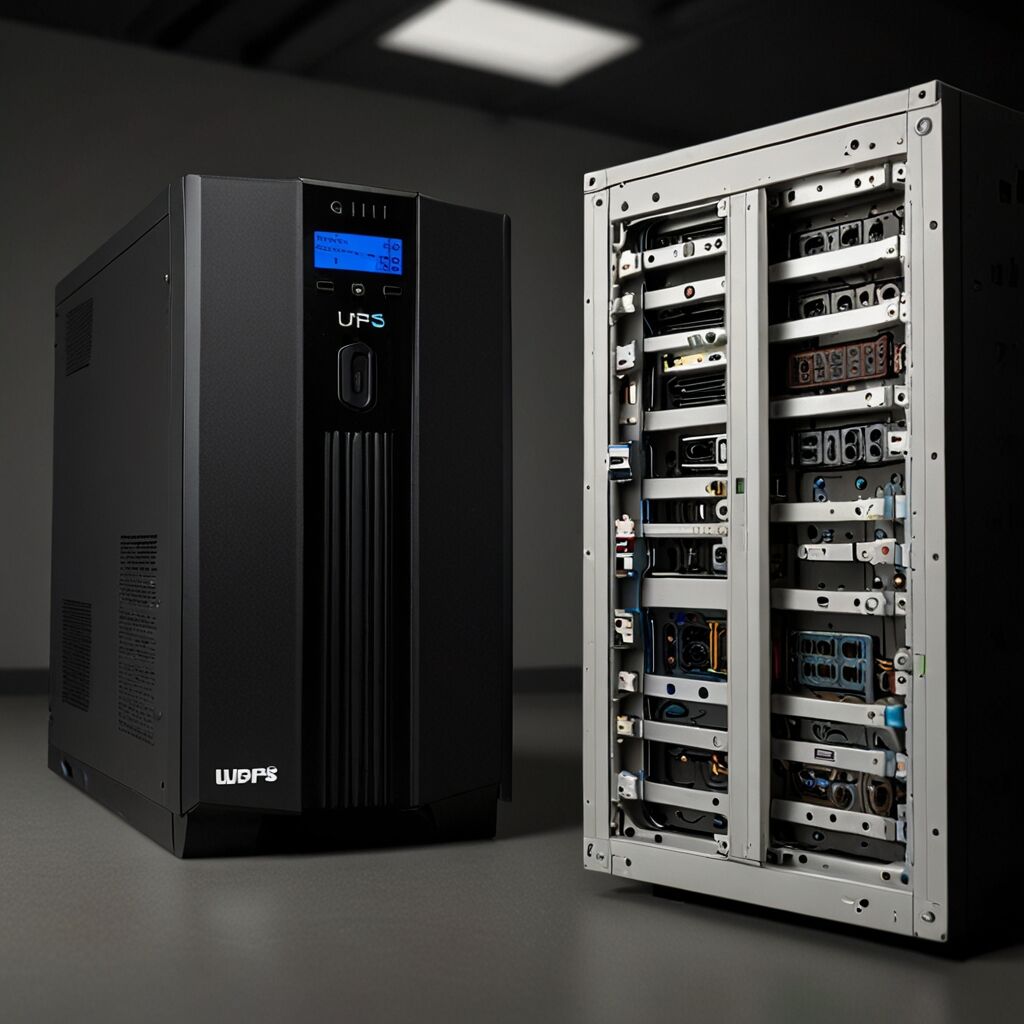
What is Remote Monitoring for UPS Systems?
Remote monitoring for UPS systems refers to the ability to track power supply status, battery health, and system performance from a distant location using network connectivity. This technology enables administrators to oversee multiple UPS units across different locations, receive real-time notifications about power events, and perform basic system management tasks without physical access to the equipment. The APC 1500VA Smart UPS SMC1500-2UC features advanced SNMP (Simple Network Management Protocol) capabilities that support comprehensive remote oversight.
How Does APC 1500VA Remote Monitoring Work?
APC 1500VA remote monitoring works by connecting the UPS to a network through Ethernet or USB connections, then using specialized software to communicate with the device. The system typically involves installing APC PowerChute Network Shutdown software or similar management tools that can interpret UPS status data and translate it into user-friendly information. Network connectivity allows the UPS to send status updates, error notifications, and performance data to designated recipients through email alerts, SNMP traps, or web-based dashboards.

What are the Benefits of Remote UPS Monitoring?
The primary benefits include early warning of power problems, which helps prevent unexpected shutdowns and data corruption. Remote monitoring enables proactive maintenance scheduling by tracking battery health and system performance trends over time. Users can enhance their operational efficiency by managing multiple UPS units from a central location, reducing the need for on-site visits and allowing faster response to critical issues.
What Software is Needed for APC UPS Monitoring?
APC provides PowerChute Business Edition and PowerChute Network Shutdown as primary monitoring solutions for the 1500VA Smart UPS models. These applications offer web-based interfaces for system monitoring, automatic shutdown capabilities during extended outages, and customizable notification settings. Third-party SNMP monitoring tools can also work with APC UPS systems, providing integration with existing network management platforms and enterprise monitoring solutions.
How to Set Up Remote Monitoring on APC UPS
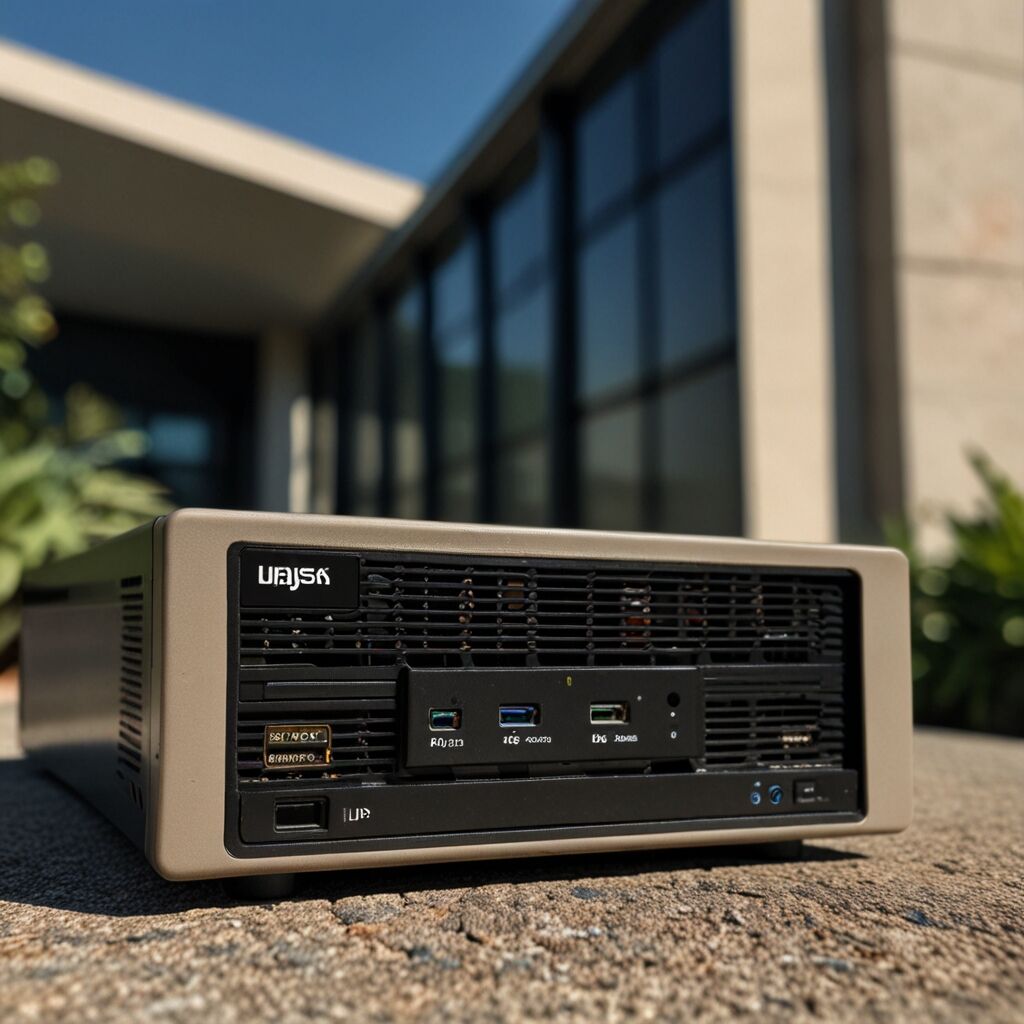
Setting up remote monitoring requires first connecting the UPS to your network using an Ethernet cable or USB connection to a networked computer. Next, install the appropriate APC software and configure network settings including IP addresses, SNMP communities, and notification preferences. The best software for monitoring the APC 1500VA includes built-in setup wizards that guide users through the configuration process step by step.
What are the Network Requirements for UPS Monitoring?
Network requirements include a stable Ethernet connection for optimal performance, though some models support USB connections to a networked host computer. The UPS needs an available IP address on your network, and firewall configurations may need adjustment to allow SNMP traffic and notification emails. Essential data that indicates the overall wellness of network connectivity includes consistent communication between the UPS and monitoring software without frequent timeouts or connection drops.

What are the Limitations of UPS Remote Monitoring?
Remote monitoring limitations include dependency on network connectivity, which means monitoring capabilities are lost if network infrastructure fails during power outages. The system cannot perform physical maintenance tasks remotely, and some advanced diagnostics still require on-site access. Additionally, UPS performance should ideally be assessed through a combination of remote monitoring and periodic physical inspections to ensure optimal operation.
Who Should Use Remote UPS Monitoring?
Remote UPS monitoring is particularly suitable for businesses with multiple locations, IT administrators managing distributed equipment, and organizations where physical access to UPS units is challenging or infrequent. Small businesses with critical computer systems, home office setups with valuable data, and any environment where power reliability directly impacts productivity or data security can benefit from implementing remote monitoring capabilities.
Best Practices for APC 1500VA Smart UPS Remote Monitoring
Best practices include regularly testing notification systems to ensure alerts reach appropriate personnel, maintaining updated software versions for security and compatibility, and establishing clear procedures for responding to different types of alerts. Performance of the APC 1500VA Smart UPS should be monitored consistently, with attention to battery health indicators, load levels, and environmental conditions that might affect operation.
What are the Costs Associated with UPS Monitoring?
Costs typically include the monitoring software license, which varies depending on the solution chosen, potential network infrastructure upgrades, and ongoing maintenance of monitoring systems. Computer UPS review performance comparison shows that many APC monitoring solutions are included with the UPS purchase, though enterprise-level features may require additional licensing fees. Additional costs might include network cards for older UPS models that lack built-in connectivity options.