

The best CPU for CAD software on the GIGABYTE GA-B85M-D3H motherboard is the Intel Core i7-4790K, delivering exceptional 4.4 GHz performance for complex 3D modeling and rendering tasks. This LGA 1150 socket mainboard supports up to 32GB DDR3 RAM and provides reliable performance for professional CAD workstations, though users should understand its B85 chipset limitations before building their system.
What Makes GIGABYTE GA-B85M-D3H Suitable for CAD Workstations?
The GIGABYTE GA-B85M-D3H is a Micro ATX motherboard that offers solid foundational support for CAD applications through its Intel B85 Express chipset and LGA 1150 socket compatibility. This system board provides four DDR3 memory slots supporting up to 32GB RAM, which enables smooth multitasking during intensive design work. The mainboard includes one PCIe x16 slot for dedicated graphics cards, essential for GPU-accelerated CAD rendering and viewport performance.
However, the B85 chipset has important limitations that CAD users should consider. The chipset lacks support for CPU overclocking, which means processors run at stock speeds only. Additionally, the motherboard provides limited PCIe lanes compared to higher-end chipsets, potentially restricting expansion options for professional workstations requiring multiple high-bandwidth devices.
How Does the Intel Core i7-4790K Perform for CAD Applications?
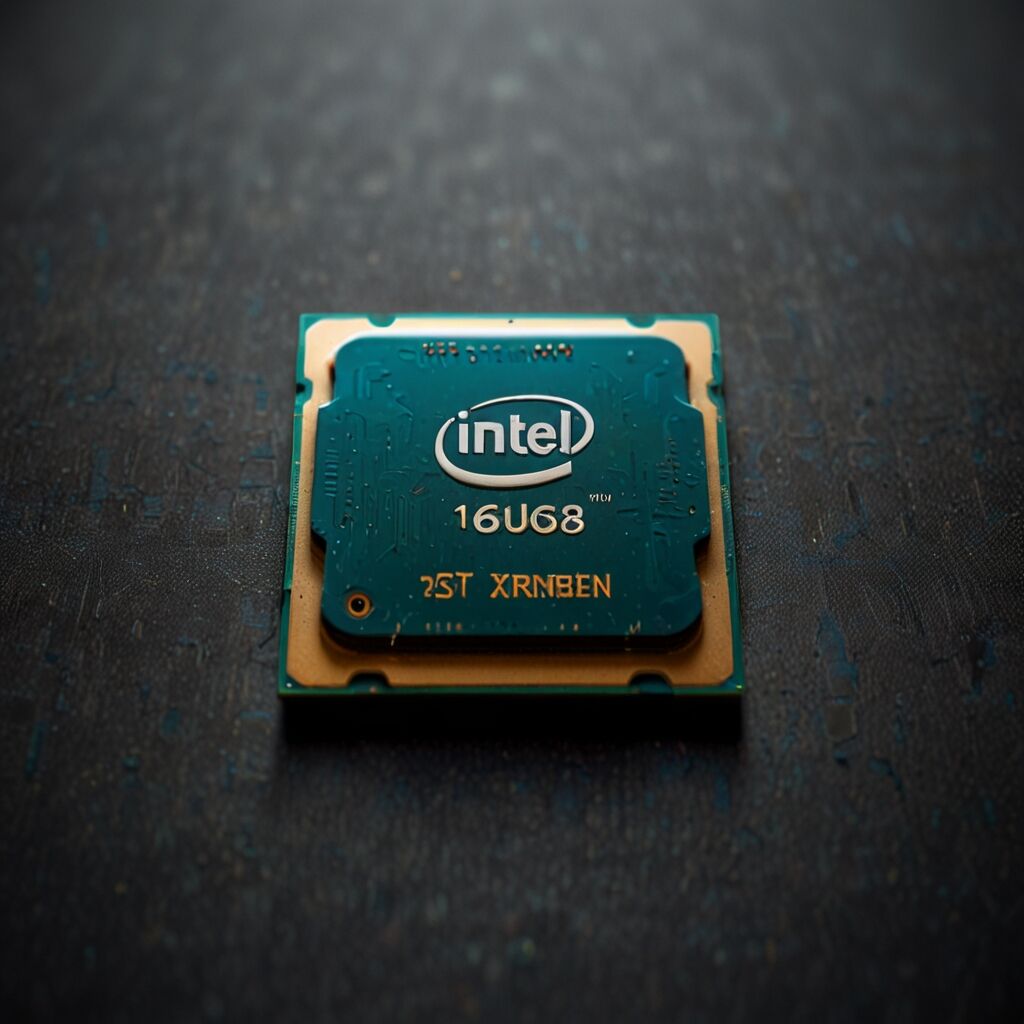
The Intel Core i7-4790K works exceptionally well for CAD software, offering four cores and eight threads with base clock speeds of 4.0 GHz and boost frequencies reaching 4.4 GHz. This processor provides the computational power needed for complex geometric calculations, parametric modeling, and assembly simulations commonly found in SolidWorks, AutoCAD, and Fusion 360.
CAD software benefits significantly from the i7-4790K’s Hyper-Threading technology, which allows the processor to handle multiple design operations simultaneously. The 8MB cache helps reduce data access latencies during large assembly loading and manipulation. For comparison, the non-K variant i7-4790 offers similar performance at 4.0 GHz maximum but cannot be overclocked if needed later.
What Graphics Card Options Work Best with GA-B85M-D3H for CAD?
Professional CAD graphics cards like the NVIDIA Quadro K2200 or AMD FirePro W5100 provide certified drivers and optimized performance for professional CAD applications. These workstation GPUs offer superior stability and support for specialized CAD features compared to gaming cards. The GA-B85M-D3H’s PCIe x16 slot fully supports these professional graphics solutions.
Gaming graphics cards such as the NVIDIA GTX 1660 or GTX 1060 offer excellent price-to-performance ratios for CAD work, providing sufficient VRAM and processing power for most design tasks. While these cards lack certified drivers, they handle viewport manipulation, basic rendering, and most CAD operations effectively at significantly lower costs than professional alternatives.
How Much RAM Is Required for Optimal CAD Performance?
CAD applications typically require a minimum of 16GB RAM for smooth operation with medium-complexity models and assemblies. This memory allocation allows the operating system, CAD software, and associated tools to function without constant data swapping to storage devices. The GA-B85M-D3H supports up to 32GB DDR3 memory, providing ample capacity for demanding projects.
Installing 32GB RAM benefits users working with large assemblies, complex simulations, or multiple CAD applications simultaneously. This configuration offers even better performance enhancements for more complex projects involving detailed mechanical assemblies or architectural models with thousands of components.
What Storage Solutions Optimize CAD File Access?
SSD storage provides dramatically faster CAD file loading compared to traditional hard drives, reducing project opening times from minutes to seconds for large assemblies. The faster random read/write performance of SSDs improves overall system responsiveness during design work, particularly when accessing libraries, templates, and reference files frequently.
A dual-storage configuration works well for CAD workstations, combining a 500GB SSD for the operating system and active projects with a larger HDD for archived files and backups. The GA-B85M-D3H includes six SATA 6Gb/s ports, providing flexibility for multiple storage devices. NVMe SSDs offer even better performance but require PCIe slots, which may limit expansion options on this motherboard.
How to Implement Effective Cooling for CAD Workstation Performance?
Effective cooling solutions for a CAD workstation built on the GA-B85M-D3H include tower air coolers like the Noctua NH-D15 or be quiet! Dark Rock Pro 4, which provide excellent CPU temperature control during sustained rendering tasks. These coolers maintain processor temperatures below 75°C under full load, ensuring consistent performance without thermal throttling.
Liquid cooling systems such as the Corsair H100i or NZXT Kraken X62 offer superior cooling capacity for high-performance configurations. The GIGABYTE GA-B85M-D3H Micro ATX motherboard supports both cooling types through its CPU fan headers and pump connections.
What Cooling Specifications Should CAD Users Target?
The optimal CPU temperature range during CAD operations should remain below 80°C to prevent performance degradation and help component longevity. Most modern processors, including the i7-4790K, begin thermal throttling around 85°C, which reduces processing speed and impacts CAD performance during critical operations.
Case airflow configuration significantly impacts overall system temperatures. Installing intake fans at the front and exhaust fans at the rear creates positive air pressure, helping keep components cool while reducing dust accumulation. The GA-B85M-D3H includes multiple fan headers to support comprehensive cooling setups. Quality 120mm fans provide impressive airflow performance while remaining relatively quiet during operation.
What Power Supply Requirements Support CAD Workstation Components?
A quality 650W power supply unit provides adequate capacity for a CAD workstation featuring the i7-4790K, professional graphics card, multiple storage devices, and comprehensive cooling. This wattage allocation includes headroom for system stability and efficiency, as PSUs typically operate most efficiently at 50-80% load capacity. Users building systems for multiple purposes should explore computer UPS options that provide reliable power protection during critical design work.
Power supply efficiency ratings like 80 Plus Gold or Platinum reduce electricity costs during extended CAD sessions while generating less heat within the system. Modular PSUs offer cable management advantages in compact Micro ATX cases, improving airflow around critical components. The GA-B85M-D3H requires standard ATX power connections, making it compatible with most modern power supplies.
How to Configure Software Settings for Optimal CAD Performance?
CAD software configurations benefit from allocating maximum available CPU cores to the application, which can be adjusted in software preferences or Windows task manager priority settings. Software optimizations significantly enhance performance on the GIGABYTE GA-B85M-D3H motherboard when properly implemented. For users also interested in gaming performance, reviewing CPU RTX 4090 combinations helps understand high-end graphics capabilities.
Graphics driver updates from NVIDIA or AMD regularly improve CAD software compatibility and performance. Professional driver branches like NVIDIA Studio Drivers or AMD Pro Drivers offer enhanced stability and certification for major CAD applications. Windows virtual memory should be set to 1.5-2 times the installed RAM amount, allowing the system to handle large assemblies without memory-related crashes.
What Display Configuration Enhances CAD Productivity?
Dual-monitor setups dramatically improve CAD workflow efficiency by allowing designers to view the main model on one screen while accessing toolbars, properties panels, or reference documents on the second display. Monitor configurations with the latest updates from graphics drivers help optimal display performance and color accuracy.
Monitor resolution of 1920×1080 provides an excellent balance of workspace and performance for CAD applications, while 1440p displays offer increased desktop space for complex interfaces. Professional workstations can handle larger resolutions effectively when paired with appropriate graphics cards and sufficient system memory.
What Are the Cost Considerations for Building a CAD Workstation?
Building a CAD-capable workstation around the GA-B85M-D3H typically costs between $800-1500, depending on component choices and performance requirements. The motherboard itself represents excellent value for budget-conscious builders, though its B85 chipset limitations should be weighed against current and future needs.
Component cost breakdown generally allocates 25-30% of budget to the CPU, 20-25% to graphics, 15-20% to memory and storage, with remaining funds covering motherboard, cooling, and power supply. Professional graphics cards significantly increase costs but provide certified drivers and enhanced stability for critical CAD work. Users should consider whether gaming graphics cards meet their reliability and support requirements at substantially lower prices.
When Should Users Consider Alternative Motherboard Options?
The GA-B85M-D3H serves well for basic to intermediate CAD workstations but has limitations for high-end professional use. Users requiring CPU overclocking, multiple GPU support, or extensive PCIe expansion should consider Z97 or newer chipset motherboards. The B85 chipset also lacks support for newer technologies like NVMe M.2 slots and USB 3.1 connectivity. Those working with CPU photo editing applications may find similar performance considerations apply.
For users planning system upgrades or requiring maximum performance, investing in a more modern platform with LGA 1151 or newer sockets provides better long-term value and upgrade paths. However, for budget-conscious builders or those with existing compatible components, the GA-B85M-D3H offers solid reliability and adequate performance for most CAD applications when paired with appropriate components.