
When considering graphics cards for gaming or video editing, several key factors come into play. Firstly, you should consider the processing power of the graphics card. A powerful graphics card ensures seamless transitions in gaming and smooth rendering in video editing, facilitating crystal clear pictures and fluid motion effects. Additionally, another primary aspect to consider is the Video RAM (VRAM); the higher the VRAM, the better the graphics card performance in handling high-resolution gaming and video editing tasks.
Table of Contents
- What should I look for in a graphics card for gaming purposes?
- How much VRAM do I need for video editing?
- Does a higher refresh rate matter for gaming graphics cards?
- Are there specific brands known for video editing graphics cards?
- Is ray tracing important for video editing?
- Do I need a multi-GPU setup for 4K video editing?
- What is the role of tensor cores in a graphics card?
- How do I match a graphics card with my monitor’s resolution?
- Are cooling solutions important for gaming graphics cards?
- Can I use a gaming graphics card for video editing and vice versa?
Consumer electronics experts, like those at ExtremeSpec, advocate for the importance of the compatibility of the graphics card with your system’s software and hardware components. The graphics card needs to be compatible with your system’s motherboard. Moreover, a good cooling system is also crucial to maintain the graphics card’s longevity, as excessive heat can degrade the card’s performance over time. Hence, when examining various graphics cards for gaming or video editing, ensuring the presence of a capable cooling system is a crucial factor to take into account.
What should I look for in a graphics card for gaming purposes?
When it comes to selecting a graphics card for gaming, there are specific factors that become paramount. A high-performing graphics card must possess sufficient processing power to support the intricate visuals of modern games. This ensures that your games are run without performance bottlenecks occurring, which could otherwise cause stuttering or lag during gameplay.
Another critical factor when considering a graphics card for gaming is the frame rate. A higher frame rate ensures that images change smoother and quicker, enhancing the gaming experience. Lastly, for immersive gaming, look for a graphics card that supports high-resolution displays and virtual reality which are quickly becoming standard requirements in the gaming world.
How much VRAM do I need for video editing?
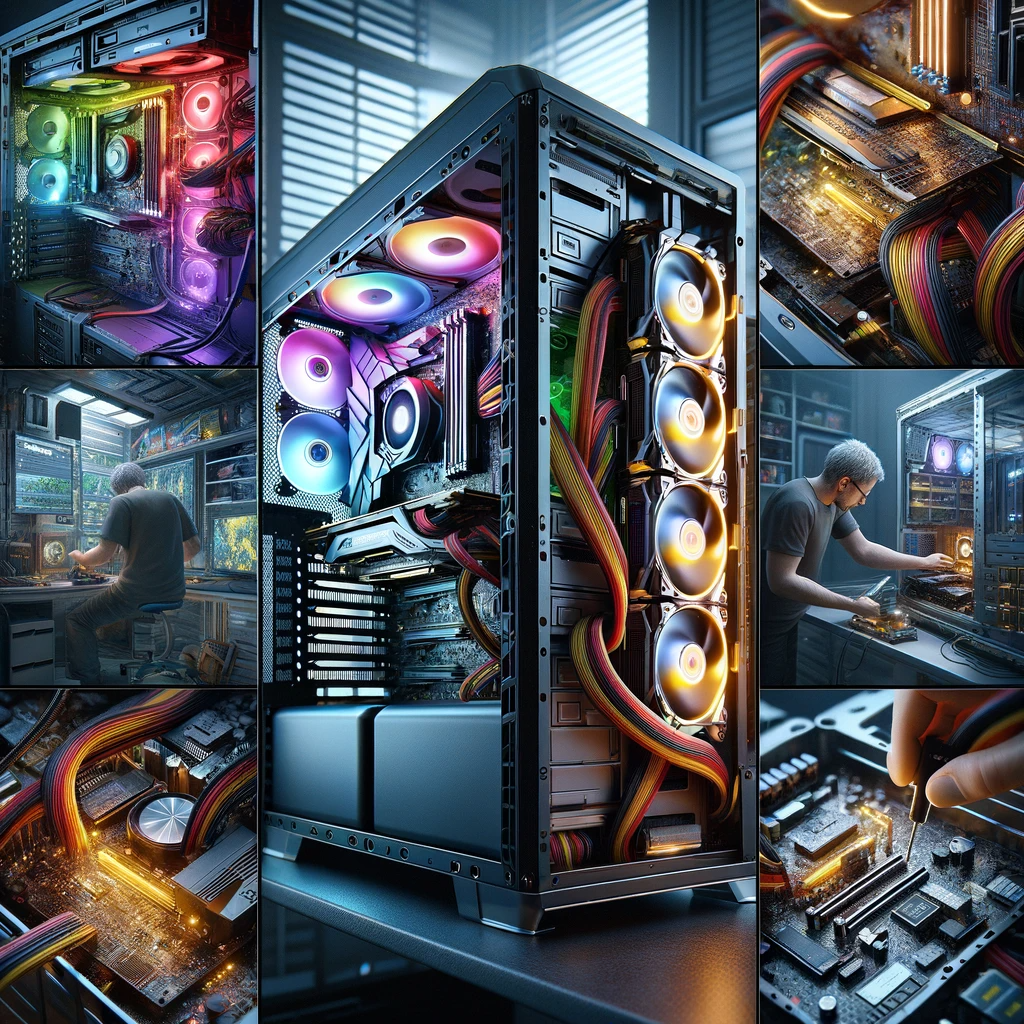
Video editing, especially when dealing with high-definition or 4K footage, can be a resource-intensive process. Therefore, the amount of Video Random Access Memory (VRAM) your graphics card has becomes essential. For video editing purposes, note that having a graphics card with a greater amount of VRAM will allow for smoother editing of higher resolution videos.
As a general rule, for 1080p or basic 4K editing, 4GB of VRAM should suffice. However, look for at least 6GB to 8GB VRAM graphics cards when working on more intricate 4K+ projects or running complex graphics-intensive tasks, as they inherently need more VRAM to process efficiently.
Does a higher refresh rate matter for gaming graphics cards?
The importance of a higher refresh rate in gaming cannot be overstated. It denotes how many times per second your screen updates with new information. The higher the refresh rate, the smoother the images on the screen, enabling a more immersive and responsive gaming experience.
Avid gamers will recognize the difference between a 60Hz and a 144Hz gaming graphics card. Games feel significantly smoother on higher refresh-rate monitors, which is a considerable advantage in intense gaming scenarios. So, if you are a serious gamer, investing in a graphics card that supports a higher refresh rate could enhance your gaming enjoyment and performance.
- Performance: The graphics card should have a high processing power to handle the demanding tasks of gaming or video editing.
- Compatibility: Ensure that the graphics card is compatible with your computer’s motherboard and power supply. Check the necessary slots and power connectors.
- Memory: Sufficient video memory is crucial for rendering complex graphics and textures. It offers smoother gameplay and faster video editing.
- Software Support: Look for graphics cards that provide optimal support for the gaming or video editing software you intend to use, such as Adobe Premiere Pro or NVIDIA GeForce Experience.
- Price: Consider your budget and find a graphics card that delivers the desired performance within your price range.
- Power Consumption: Efficient graphics cards consume less power, reducing the strain on your computer’s power supply and keeping energy costs in check.
- Connectivity Options: Ensure the graphics card offers the necessary outputs, such as HDMI or DisplayPort, to connect to your monitor or other display devices.
Are there specific brands known for video editing graphics cards?
When choosing a video editing graphics card, two brands stand out. Nvidia and AMD are well-known for their reliable and high-performance graphics cards that provide excellent video editing capabilities. These brands offer a vast range of options, catering to both amateur and professional video editors alike.
With each brand having its strengths and weaknesses, it’s essential to think about factors impacting your gaming or video editing preferences. Nvidia graphics cards excel with software that optimize CUDA cores, a specific type of microarchitecture. In contrast, AMD boasts excellent performance with programs harnessing OpenCL frameworks. Both are crucial aspects to consider for a video editing graphics card.
Is ray tracing important for video editing?
Ray tracing is a demanded feature for high-end video game graphics, however, its significance for video editing might seem less apparent. At the core of this technology lies the ability to render realistic lighting, shadows, and reflections. While these features enhance a game’s visual fidelity, they don’t play a major role in the video editing process.
In considering factors for video editing or gaming graphics cards, ray tracing is not a defining parameter for video editing. Instead, video editors look for features such as memory size, processing power, managed multitasking, and a card’s compatibility with editing software. Matching these factors to your specific editing needs will be more beneficial than focusing on ray tracing alone.
Do I need a multi-GPU setup for 4K video editing?
A common question among video editors is whether a multi-GPU setup is necessary for 4K video editing. If you’re working with high-quality, multi-layered projects, then a multi-GPU setup can provide smoother editing experiences. Multiple graphics cards can efficiently manage higher workloads, reducing lag or frame drops during editing.
However, keep in mind other important considerations when looking for a gaming or video editing graphics card. Remember that not all editing software utilize multi-GPU setups effectively. Additionally, ensure your PC setup offers ample power and cooling, as these are pivotal aspects for performance. A powerful single GPU often serves well for 4K editing, and a multi-GPU setup only becomes crucial for more demanding projects.
- Cooling and Noise: Opt for graphics cards with effective cooling solutions to prevent overheating. Consider models that use multiple fans or liquid cooling for efficient heat dissipation.
- Frame Rates: Look for graphics cards that can deliver high frame rates for smooth gameplay or seamless video editing. Higher frame rates provide a more immersive experience.
- VR Support: If you plan on using virtual reality (VR) applications, ensure the graphics card supports VR technologies and delivers the necessary performance for an immersive VR experience.
- Driver Updates: Regular driver updates from the graphics card manufacturer can improve performance and address compatibility issues. Check for good driver support and frequent updates.
- Overclocking Potential: If you are interested in pushing the limits of your graphics card’s performance, consider models that offer good overclocking potential. This allows you to increase the clock speed for enhanced performance.
- Brand Reputation: Research the reputation of different graphics card brands to ensure reliability and customer support. Look for brands known to provide quality products and responsive customer service.
- NVIDIA/AMD Specific Features: Depending on your preferences, consider features exclusive to NVIDIA or AMD graphics cards, such as ray tracing capabilities or software optimizations.
What is the role of tensor cores in a graphics card?
Tensor cores, integral components of advanced graphics cards, primarily function as accelerators for specific types of computing tasks. These cores contribute significantly to improved performance in gaming and video editing graphics cards. They deliver exceptional processing power, speed, and computational capabilities which are especially beneficial for handling complex graphics and data-intensive tasks found in modern games and video editing software.
When considering what factors should influence your graphics card decision, the presence and capabilities of Tensor cores cannot be overlooked. With their propensity for conducting matrix operations at higher speeds, these cores significantly enhance a card’s capability for real-time ray tracing. Hence, if graphical realism is your pursuit, Tensor Cores should be high on your list of graphics card features.
How do I match a graphics card with my monitor’s resolution?
The process of matching a graphics card with your monitor’s resolution involves careful selection based on the graphic card’s specifications. To get the most out of your gaming or video editing experiences, consider cards that directly support the native resolution of your monitor. Remember, to reap the full advantages of high-resolution displays, your graphics card must efficiently handle the pixel count associated with the resolution.
Additionally, consider the refresh rates that your monitor supports while matching a graphics card. For instance, a high refresh-rate monitor coupled with a graphics card capable of delivering high frame rates can significantly enhance your visual experience. Ultimately, understanding the interplay between monitor resolution and graphics card performance is crucial to the precision and quality of both gaming and video editing.
Are cooling solutions important for gaming graphics cards?
Simply put, cooling solutions are incredibly important for gaming graphics cards. High-end gaming often leads to cards working overtime, generating substantial heat in the process. Absence or inadequacy of cooling solutions can lead to overheating, impacting graphical output and potentially harming the card. Therefore, when pondering what factors to consider for gaming or video editing graphics cards, cooling mechanisms should be high on your list.
Dedicated coolers, liquid cooling systems, fan enhancements these are the cooling solutions typically present or compatible with modern-day gaming graphics cards. They contribute to optimal thermal dispersion, ensuring the cards operate at ideal temperatures. Accordingly, any potential buyer should diligently check cooling solutions while purchasing a gaming graphics card.
Can I use a gaming graphics card for video editing and vice versa?
Absolutely, gaming graphics cards can be used for video editing and vice versa. While both activities require good graphical performance, each addresses different aspects of graphics processing. Gaming tends to prioritize real-time rendering and fast frame rates, while video editing focuses more on general compute performance. However, both can benefit from the advanced features found in gaming or video editing graphics cards.
Therefore, considering your usage requirements when exploring various factors to consider for either gaming or video editing graphics cards is crucial. For gaming, prioritize higher frame-rate capabilities and real-time rendering. On the other hand, for video editing, prioritize efficient general computational performance. Thus, choosing the right graphics card depends heavily on the tasks you intend to perform with it.
Other Related Questions
- What are the power requirements for a high-end graphics card?
- What is ray tracing, and do I need it in my graphics card?
- How does VRAM affect graphics card performance?
- How do I update graphics card drivers?
- How do I securely erase data from an SSD?