
The CyberPower OR500LCDRM1U is a rackmount uninterruptible power supply designed for workstation backup protection. This 500VA line-interactive UPS provides battery backup power during outages, voltage regulation for electrical fluctuations, and surge protection for connected equipment. Most small office workstations benefit from this UPS, which typically supports desktop computers, monitors, and networking equipment for approximately 15-30 minutes during power failures.
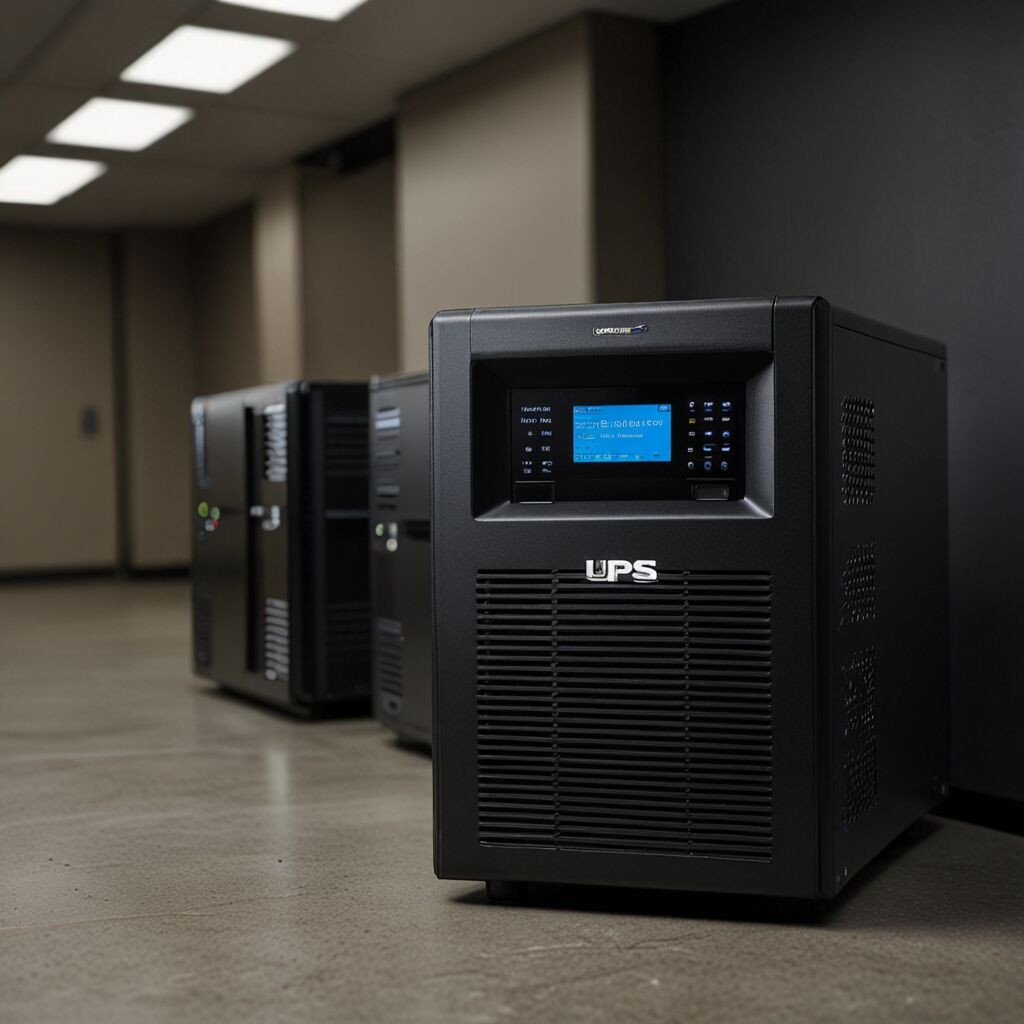
What is the CyberPower OR500LCDRM1U UPS and How Does It Work?
The CyberPower OR500LCDRM1U is a line-interactive UPS that monitors incoming power and switches to battery backup when electrical problems occur. This uninterruptible power supply works by continuously charging its internal battery while providing filtered power to connected devices. When utility power fails, the UPS automatically transfers to battery power within 4 milliseconds, preventing system shutdowns and data loss.
Line-interactive technology means the UPS can correct minor voltage fluctuations without switching to battery power, which extends battery life. The unit features automatic voltage regulation that handles voltage variations between 88V and 147V, ensuring stable power delivery to sensitive workstation components like processors, hard drives, and memory modules.
What Are the Key Benefits of Using This UPS for Workstation Protection?
The primary benefits include preventing data loss during unexpected power outages, protecting expensive computer equipment from power surges, and maintaining productivity during brief electrical interruptions. Workstation users gain peace of mind knowing their systems remain operational long enough to save work and perform safe shutdowns. The UPS also eliminates the risk of hardware damage from power spikes, voltage sags, and electrical noise that can corrupt data or damage sensitive components.
Additional advantages include the LCD display providing real-time power status information, helping users monitor battery health and load levels. The unit supports hot-swappable battery replacement for continuous operation during maintenance, reducing downtime for critical workstation applications.
Essential Specifications and Features for Workstation Backup
The CyberPower OR500LCDRM1U provides 500VA/300W of backup power capacity, which typically supports a standard desktop computer and monitor for 15-30 minutes depending on power consumption. Key specifications include 8 NEMA 5-15R outlets with 4 providing battery backup and surge protection, while the remaining 4 offer surge protection only. The rackmount design fits standard 19-inch server racks, making it suitable for both desktop and rack-mounted workstation configurations.
Important features include USB and serial connectivity for computer communication, enabling automatic system shutdown during extended outages. The unit operates quietly at less than 40dB, making it appropriate for office environments where noise levels matter. Transfer time of 4 milliseconds ensures seamless transition to battery power without interrupting connected equipment.
What Are the Limitations and Considerations Before Purchase?
The 500VA capacity limits this UPS to smaller workstation setups, typically supporting one desktop computer and monitor but not suitable for high-power gaming systems or multiple monitors. Users with power-hungry graphics cards or processors that provide enhanced performance may need higher-capacity models. The battery backup runtime decreases significantly with heavier loads, potentially providing only 5-10 minutes for power-intensive workstations.
Battery replacement costs typically range from $50-80 every 3-5 years, adding to long-term ownership expenses. The rackmount design requires proper ventilation and may not suit all desktop environments. Users should calculate their total power requirements before purchase, as exceeding the UPS capacity can trigger overload protection and shut down the unit.
Who Should Use the CyberPower OR500LCDRM1U and Setup Guidelines
This UPS suits small business owners, home office workers, and professionals using standard desktop workstations for tasks like accounting, design work, or general office applications. IT administrators managing multiple workstations in rack environments benefit from the rackmount design and centralized power management capabilities. Users who need reliable power for customer service, data entry, or remote work applications find this UPS particularly valuable.
The unit works best for workstations consuming 150-250 watts total power, including computer, monitor, and essential peripherals. Users should avoid connecting laser printers, space heaters, or other high-power devices that can overload the system. Proper setup involves connecting the UPS to a grounded outlet, installing monitoring software, and testing the system monthly to ensure reliable operation.
What Maintenance Practices Ensure Optimal Performance and Longevity?
Regular maintenance includes testing the battery backup monthly by unplugging the UPS and verifying connected equipment continues operating. Battery health monitoring through the LCD display helps identify when replacement becomes necessary, typically every 3-5 years depending on usage and environmental conditions. Keep the UPS in a cool, dry location away from direct sunlight to maximize battery lifespan and prevent overheating.
Firmware updates should be installed when available to improve compatibility and performance. Clean the unit’s vents every 6 months to prevent dust accumulation that can cause overheating. Users should also verify outlet connections remain secure and replace the unit if it shows signs of damage, unusual noises, or fails self-tests consistently.