
Intel’s Ivy Bridge (2012), Haswell (2013), and Devil’s Canyon (2014) processors offer 10-15% performance improvements between generations. Ivy Bridge uses 22nm technology with better integrated graphics, Haswell adds 20% power efficiency, and Devil’s Canyon provides enhanced overclocking with unlocked multipliers. These processors remain relevant for budget builds, costing $50-150 on used markets, though they lack modern features like DDR4 support and advanced security.
Intel Processor Evolution: Three Generations Compared
Intel’s Ivy Bridge, Haswell, and Devil’s Canyon represent three consecutive processor generations spanning 2012-2014. Each brought specific improvements that defined their era and continue to impact budget computing today.
Ivy Bridge (2012): The 22nm Breakthrough
Ivy Bridge introduced Intel’s first 22nm manufacturing process, delivering 20% better performance per watt than Sandy Bridge. These processors feature 1.4 billion transistors and improved HD Graphics 4000, capable of running older games at 1080p medium settings. Clock speeds range from 1.7GHz to 3.9GHz across different models.
Haswell (2013): Power Efficiency Revolution
Haswell maintained the 22nm process but redesigned the architecture for 20% lower power consumption. It introduced Intel HD Graphics 5000 with double the 3D performance of Ivy Bridge. Haswell processors excel in laptops, offering 9+ hour battery life in ultrabooks.
Devil’s Canyon (2014): The Overclocker’s Choice
Devil’s Canyon refined Haswell with improved thermal interface materials and higher base clocks. The flagship i7-4790K runs at 4.0GHz base with 4.4GHz boost, while unlocked models easily reach 4.6-4.8GHz with proper cooling.
Ivy Bridge Architecture: Features and Real-World Performance
Ivy Bridge processors deliver solid performance for basic computing, light gaming, and office work. The architecture supports up to 32GB DDR3-1600 memory and includes hardware-accelerated video encoding.
Gaming Performance on Ivy Bridge
Ivy Bridge processors boast impressive integrated graphics for their time. The HD Graphics 4000 runs League of Legends at 60fps on medium settings, while older titles like Counter-Strike: Source achieve 100+ fps. Paired with a dedicated GPU, even entry-level i3 models handle modern games without CPU bottlenecks.
Power Consumption and Thermal Characteristics
Most Ivy Bridge desktop processors consume 77W TDP, while mobile variants use 17-35W. The 22nm process generates less heat than previous generations, allowing for quieter cooling solutions and better thermal performance in compact builds.
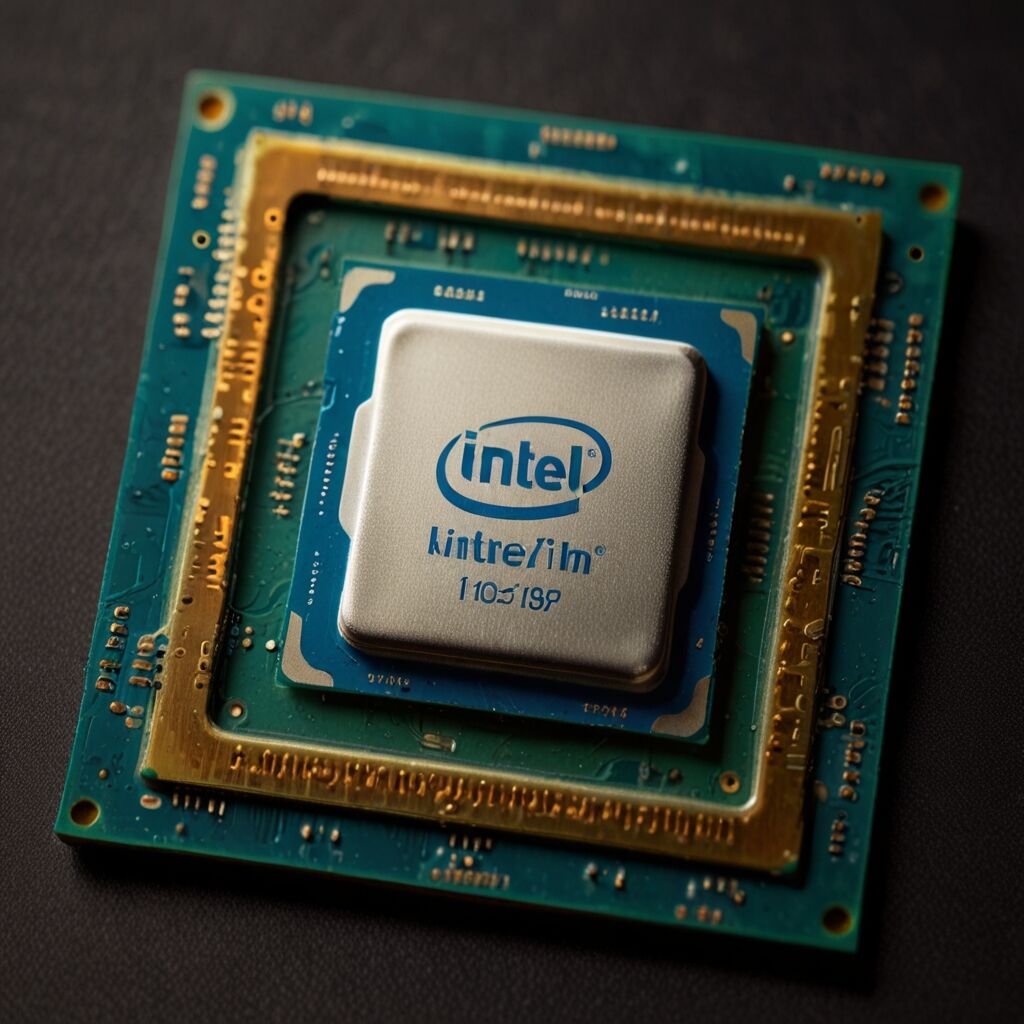
Haswell’s Energy Revolution: Performance Per Watt Leadership
Haswell achieved remarkable power efficiency gains through architectural improvements rather than process node changes. These processors reduce system power consumption by 20-30% compared to Ivy Bridge while maintaining equivalent performance.
Advanced Power Management Features
Haswell introduced Enhanced SpeedStep technology and improved C-states, allowing CPUs to drop to near-zero power consumption during idle periods. The architecture includes 14 different power states, automatically adjusting voltage and frequency based on workload demands.
Integrated Graphics Breakthrough
Intel HD Graphics 5000 in Haswell processors doubles 3D performance over Ivy Bridge. This enables 1080p gaming in titles like Civilization V and older AAA games at playable frame rates. The GPU supports DirectX 11.1 and hardware-accelerated 4K video playback.
Haswell Performance Metrics
- CPU performance: 10-15% improvement over Ivy Bridge in multi-threaded tasks
- Graphics performance: 100% improvement in 3D rendering benchmarks
- Power efficiency: 20-30% reduction in total system power consumption
- Memory support: DDR3-1600 standard, DDR3-1866+ with overclocking
- Manufacturing process: Refined 22nm with improved transistor design
- Instruction sets: AVX2 support for accelerated video encoding
- Thermal design: 84W TDP for high-performance desktop models
Devil’s Canyon Performance: Overclocking Excellence
Devil’s Canyon processors target enthusiasts seeking maximum performance through overclocking. These CPUs feature improved thermal interface materials and cherry-picked silicon for higher clock speeds and better stability.
Overclocking Capabilities and Thermal Improvements
The flagship i7-4790K achieves 4.6-4.8GHz on air cooling and 5.0GHz+ with liquid cooling. Intel replaced thermal paste with Next Generation Polymer Thermal Interface Material (NGPTIM), reducing CPU temperatures by 5-10°C under load. Users can test and experience impressive performance boosts during gaming with proper cooling solutions.
Real-World Overclocking Results
Typical overclocking results show 15-25% performance gains in CPU-intensive tasks. Gaming performance improves 5-10% due to higher clock speeds, while content creation tasks like video rendering see 20-30% time reductions. These improvements come with 20-40W higher power consumption.

Head-to-Head Performance Comparison
Ivy Bridge processors debuted with solid performance foundations, while Haswell improved efficiency and Devil’s Canyon maximized overclocking potential. Here’s how they compare in real-world scenarios.
Gaming Performance Benchmarks
In gaming tests with dedicated graphics cards, performance differences between generations remain minimal. An i5-3570K (Ivy Bridge) delivers 95% of i5-4670K (Haswell) performance in most games. Devil’s Canyon i5-4690K provides 5-8% higher frame rates when overclocked, making it the best choice for competitive gaming.
Productivity and Content Creation
Content creation workloads show larger gaps between generations. Haswell’s AVX2 instruction set accelerates video encoding by 15-20% over Ivy Bridge. Devil’s Canyon extends this advantage when overclocked, completing video renders 25-30% faster than stock Ivy Bridge processors.
Price-Performance Analysis (2024 Used Market)
- Ivy Bridge models offer reliable performance at $30-60 for i5 variants
- Haswell processors cost $40-80, providing better efficiency for the premium
- Devil’s Canyon commands $60-120 due to overclocking reputation
- Motherboard compatibility: Z77 (Ivy Bridge), Z87/Z97 (Haswell/Devil’s Canyon)
- Memory support: All generations limited to DDR3, missing modern DDR4/DDR5
- Platform limitations: No NVMe boot support, PCIe 3.0 maximum
- Value proposition: Best for budget builds under $400 total cost

Architecture Deep Dive: What Made Each Generation Special
The architectural evolution from Ivy Bridge through Devil’s Canyon represents Intel’s focus on efficiency and performance optimization within the same 22nm process node. Each generation introduced specific innovations that improved user experience.
Manufacturing and Design Improvements
Ivy Bridge pioneered Intel’s 22nm tri-gate transistor technology, packing more transistors into smaller spaces. Haswell redesigned the entire architecture for power efficiency, introducing new execution units and improved branch prediction. Devil’s Canyon refined manufacturing with better thermal solutions and higher-binned silicon.
Modern Relevance and Limitations
These processors lack modern security features like Intel CET and hardware mitigations for Spectre/Meltdown. They’re missing support for DDR4 memory, NVMe boot drives, and advanced instruction sets found in current CPUs. However, they remain viable for basic computing, older games, and budget-conscious users.
Buying Guide: Which Processor Generation Fits Your Needs
Choosing between Ivy Bridge, Haswell, and Devil’s Canyon depends on your budget, performance requirements, and intended use case. Ivy Bridge processors may provide adequate performance for office work and light gaming at the lowest cost. Essential to review processor features like clock speeds and thermal characteristics before purchasing.
Budget Gaming Build Recommendations
Ivy Bridge processors are reliable and cost-effective for entry-level gaming. An i5-3470 paired with a GTX 1060 handles 1080p gaming at medium-high settings. Haswell processors offer improved graphics performance for systems without dedicated GPUs.
Haswell’s Power Efficiency Makes It Ideal for Always-On Productivity Systems
For productivity work, Haswell’s power efficiency makes it ideal for always-on systems. Canyon processors combine excellent cooling solutions with overclocking potential for demanding professional applications like CAD, video editing, and 3D rendering.
Ivy Bridge Suits Office Work While Devil’s Canyon Handles Enthusiast Gaming
- Office work and basic computing: Ivy Bridge i3 or i5 ($30-50 used)
- Light gaming and multimedia: Haswell i5 with integrated graphics ($40-70)
- Enthusiast gaming and overclocking: Devil’s Canyon i5-4690K or i7-4790K ($60-120)
- Budget workstation: Haswell i7 for multi-threaded productivity ($80-150)
- HTPC and low-power builds: Haswell low-TDP variants (35W models)
- Retro gaming systems: Any generation handles pre-2018 games excellently
- Learning platform: Ivy Bridge offers affordable entry into PC building

Ivy Bridge Through Devil’s Canyon Processors Serve Budget Builds in 2024
In 2024, these processor generations serve specific niches in the used market. While Intel has moved to advanced architectures like Raptor Lake, Ivy Bridge through Devil’s Canyon processors remain relevant for budget-conscious builders and specific use cases.
Ivy Bridge CPUs Offer Exceptional Value Under $50 in Used Market
Used market prices vary; Ivy Bridge processors may offer value in the secondary market. Haswell maintains demand due to power efficiency, while Devil’s Canyon pricing varies by market conditions among enthusiasts. Motherboard availability becomes increasingly challenging, with Z77 and Z87 boards often costing more than the processors themselves.
Choose Ivy Bridge Through Devil’s Canyon for Budgets Under $400 Total System Cost
These processors make sense for budgets under $400, retro gaming builds, learning systems, or secondary computers. They’re not recommended for modern AAA gaming, content creation requiring current codecs, or systems needing security-sensitive applications. Consider newer generations if budget allows $600+ total system cost.